Set Up and Manage Shifts in a Few Steps
Setting up shifts in Timestat is straightforward and designed to fit how your organization already operates. Define schedules, assign employees, and start tracking attendance in minutes.
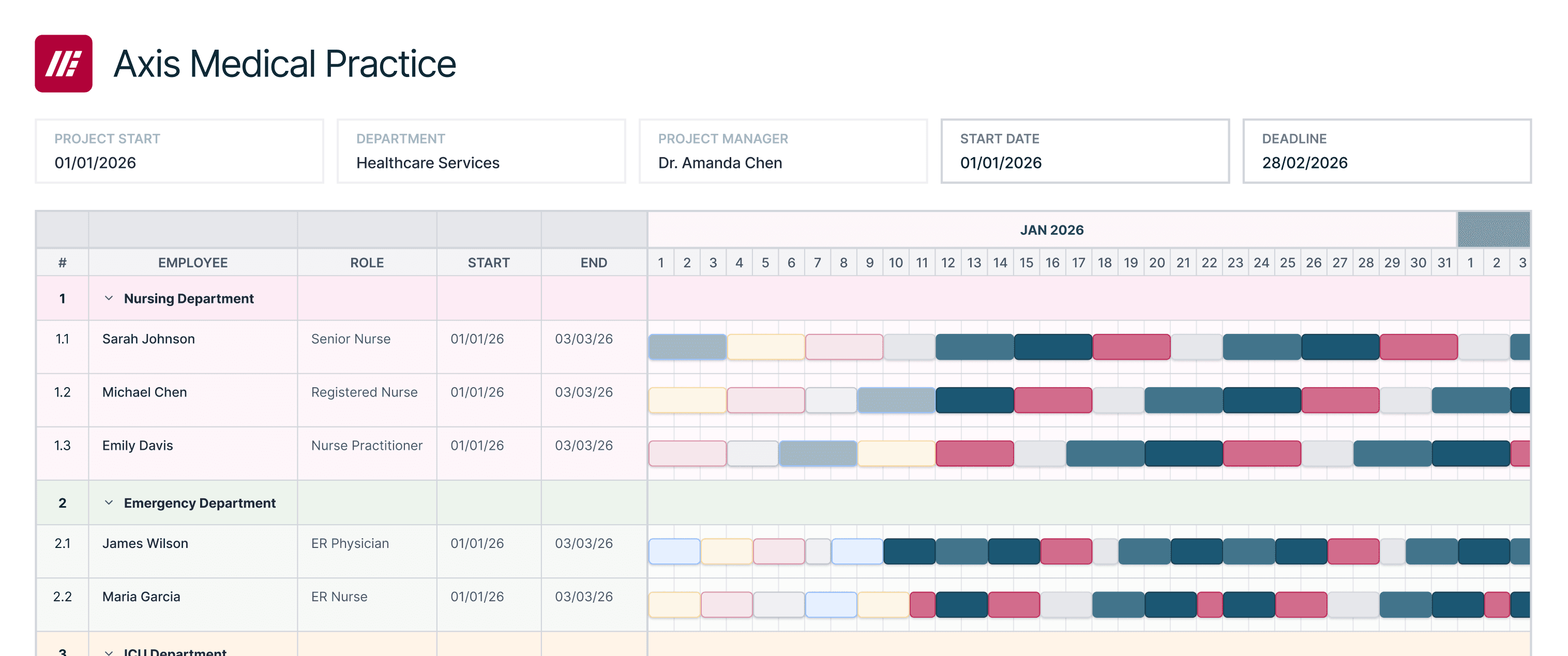
Getting Started
Set Up and Manage Shifts in a Few Steps
Everything you need to define schedules, manage assignments, and track attendance — all in one workflow.
Create a Shift
Define the shift name, working days, and start and end times. This could be a standard office shift, rotating schedule, or location-based shift.
Assign Employees
Add employees individually or in bulk to ensure each person has a clear working schedule.
Monitor and Adjust
Track attendance, update assignments, and make changes when needed.

Set Locations
Attach locations to shifts so employees can only clock in from approved areas.
Start Tracking Attendance
Employees can clock in and out while attendance is automatically tracked against their assigned shifts.
Everything Included in Shift Management
Flexible Scheduling
Support for fixed, rotating, and split shifts that adapt to any organization's workflow.
Bulk Assignment
Assign multiple employees to shifts at once, saving time when onboarding teams.
Location-Based Control
Restrict clock-in to approved GPS zones or office locations for each shift.
Ready to Simplify Shift Management?
Join thousands of organizations tracking attendance accurately with Timestat.